Yojimbo Product Tour
Tour Start | Using Collections | Using the toolbar | Searching for items | Encrypting Sensitive Data | Using the Inspector window | Exploring tag relationships | Editing Tags & Labels | Input Methods | Sync | iPad | Sidekick | Tour End
Sharing your data with Sidekick
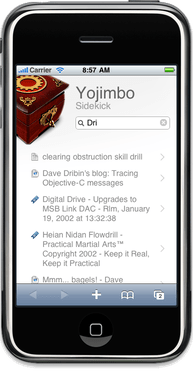
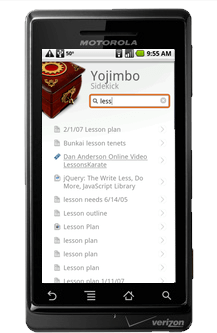
Even if you don’t have an iPad, it’s still possible to have your Yojimbo data available, even when your computer isn’t right in front of you. The “Sidekick” feature exports your data to a set of web pages suitable for display on an iPhone, Android® phone, or any other device with a modern web browser (which includes other Macs, Windows, and computers running Linux).
Easy sharing
Go to the Sidekick section in Yojimbo’s preferences, and click the “Start” button. That’s it! You can export all of your stored data, or only items which match specific tags which you designate.
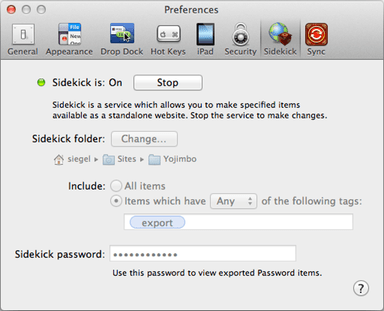
If you specify a Sidekick password, Yojimbo will export any Password items, and protect them with symmetric encryption — you will need to enter the correct Sidekick password to view the Password item’s contents. Note: Sidekick will not export encrypted items.
Yojimbo creates the web pages in a folder of your choosing, which you may then copy on to your mobile device.
Works on lots of devices
The pages that Sidekick generates use standard HTML, CSS, and JavaScript, so they work on any modern browser:
- Safari on iPhone;
- The browser on Android devices;
- Recent versions of Internet Explorer on Windows Mobile phones and Windows desktop computers;
- …and many more platforms.